




















Skip to content

NewThe Professional Diploma in AI is here.Join the January class

ICE Campus Workshops

Build & Launch Websites with AI

Learn by doing, live with an industry expert, so you don't have to figure it out alone. No coding experience needed.

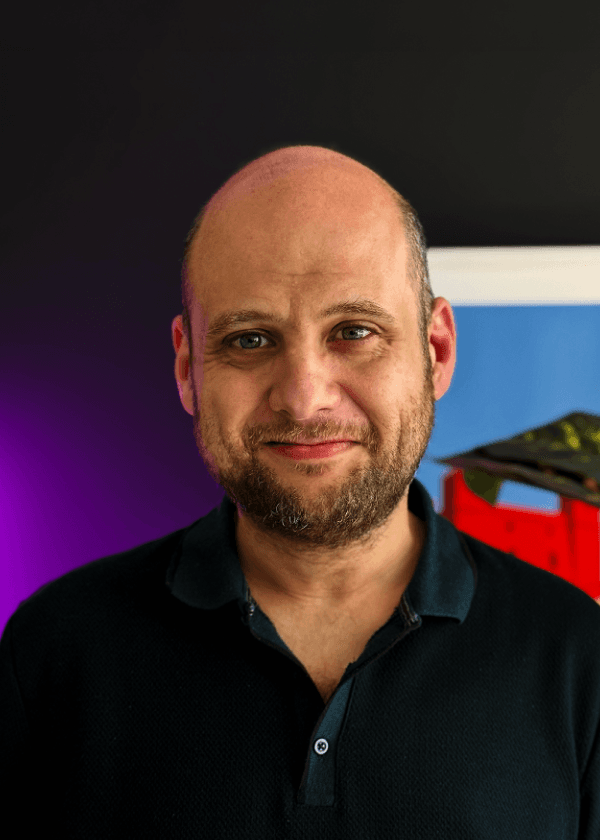
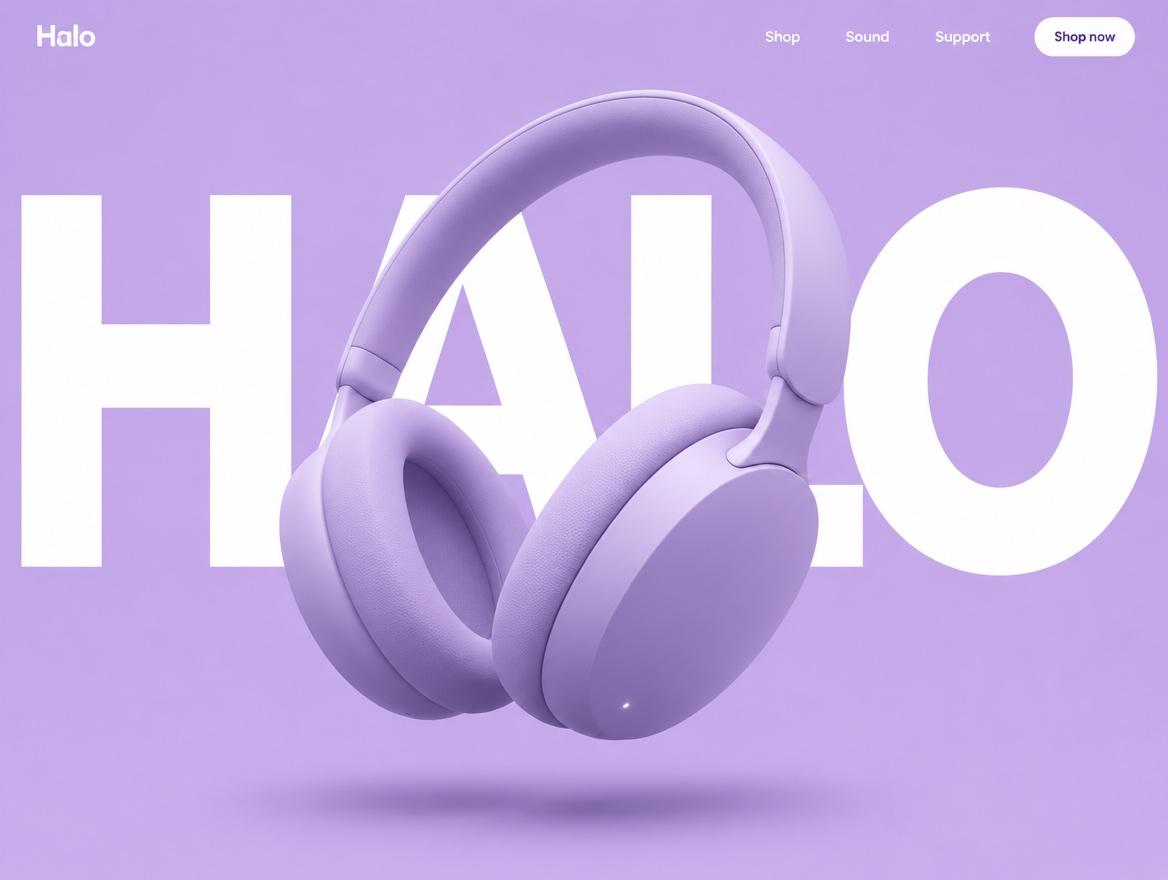
  • An online shop
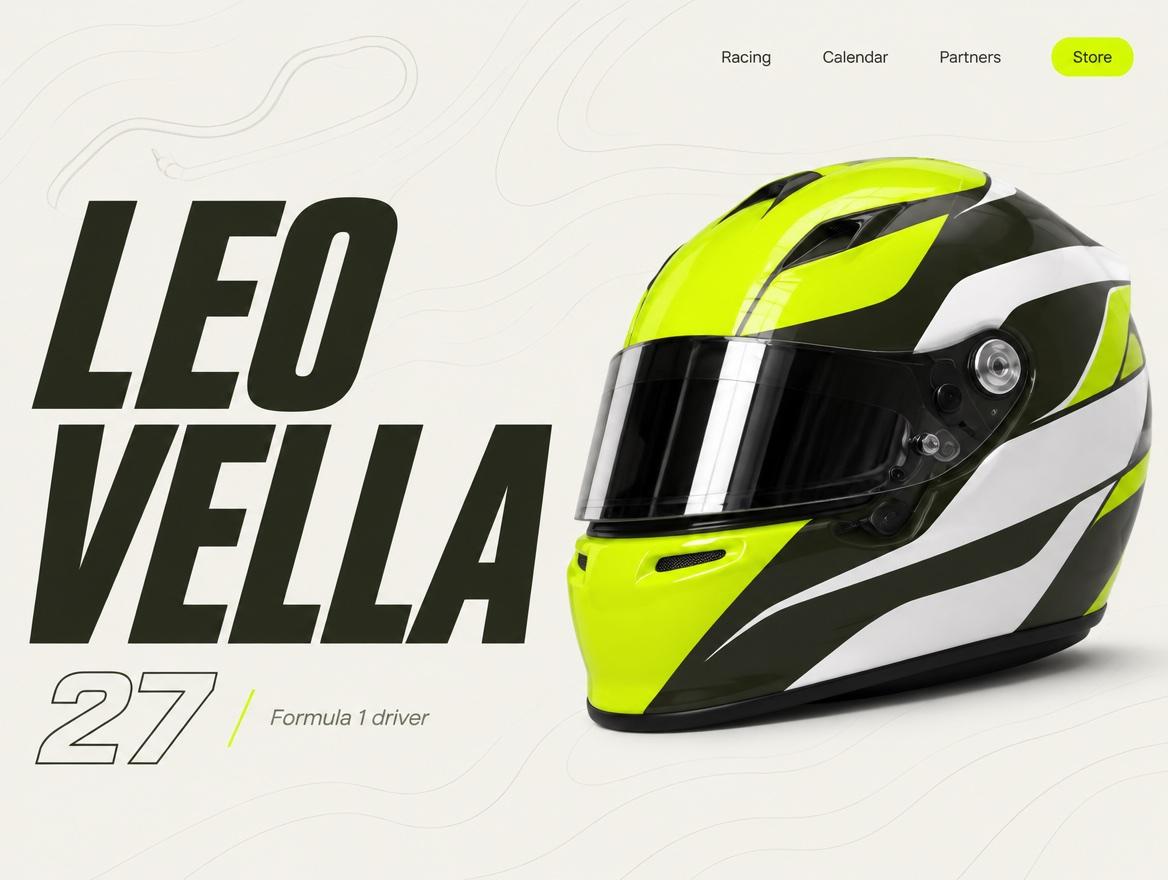
  • A racing driver's website
  • A florist's website
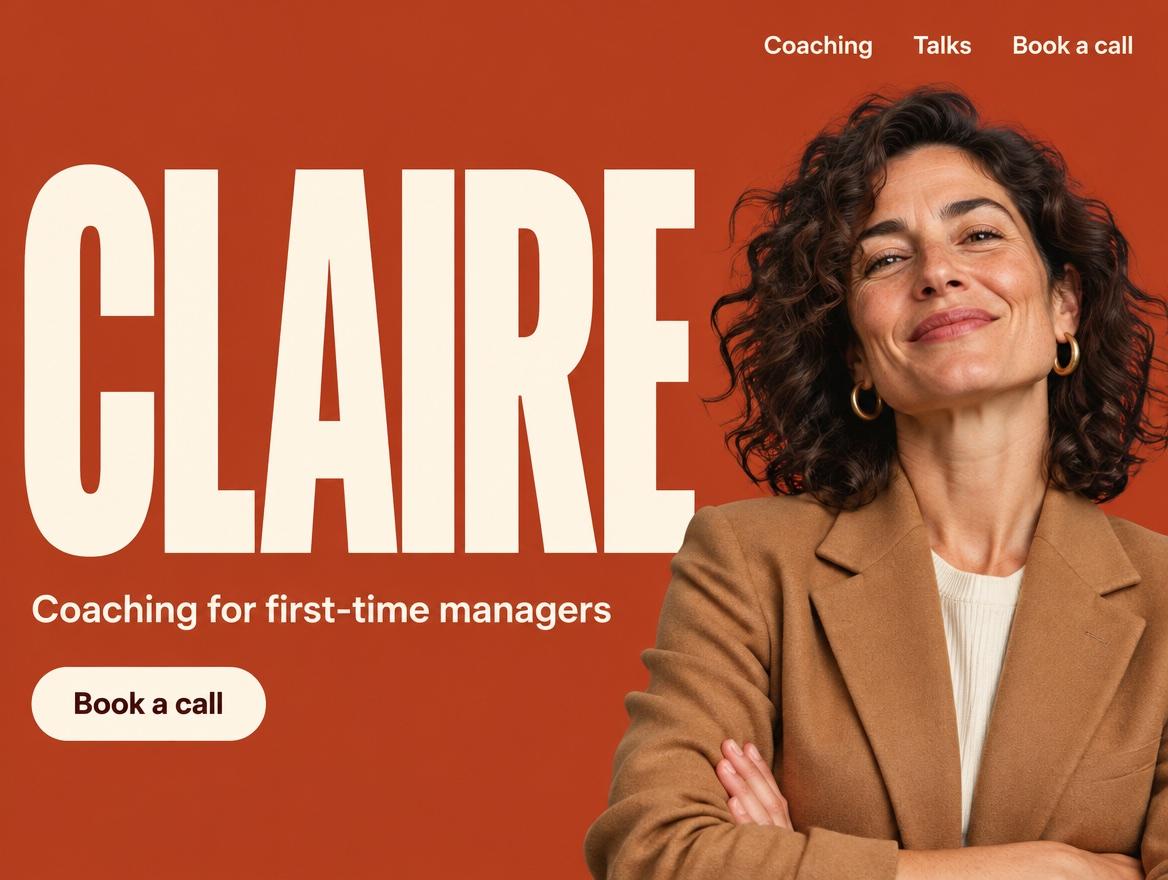
  • A coach's personal website
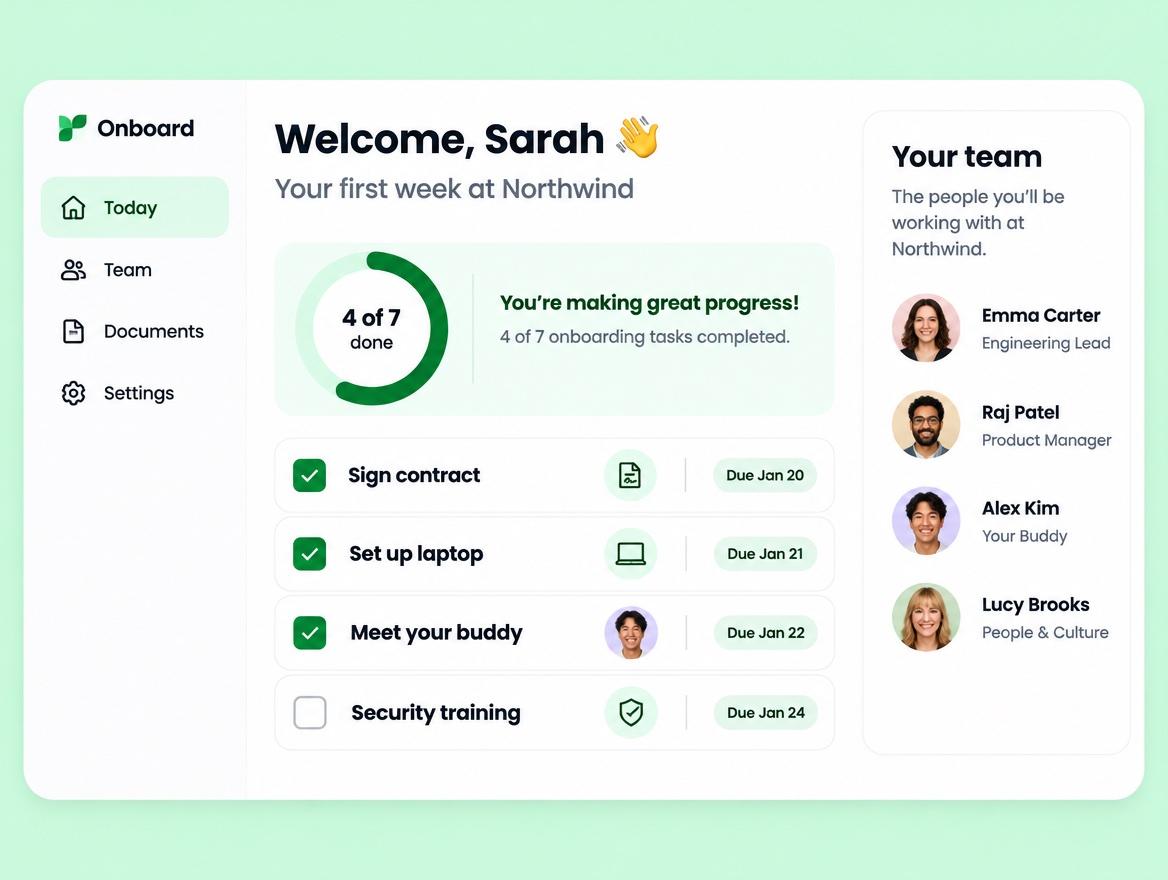
  • An internal HR onboarding tool
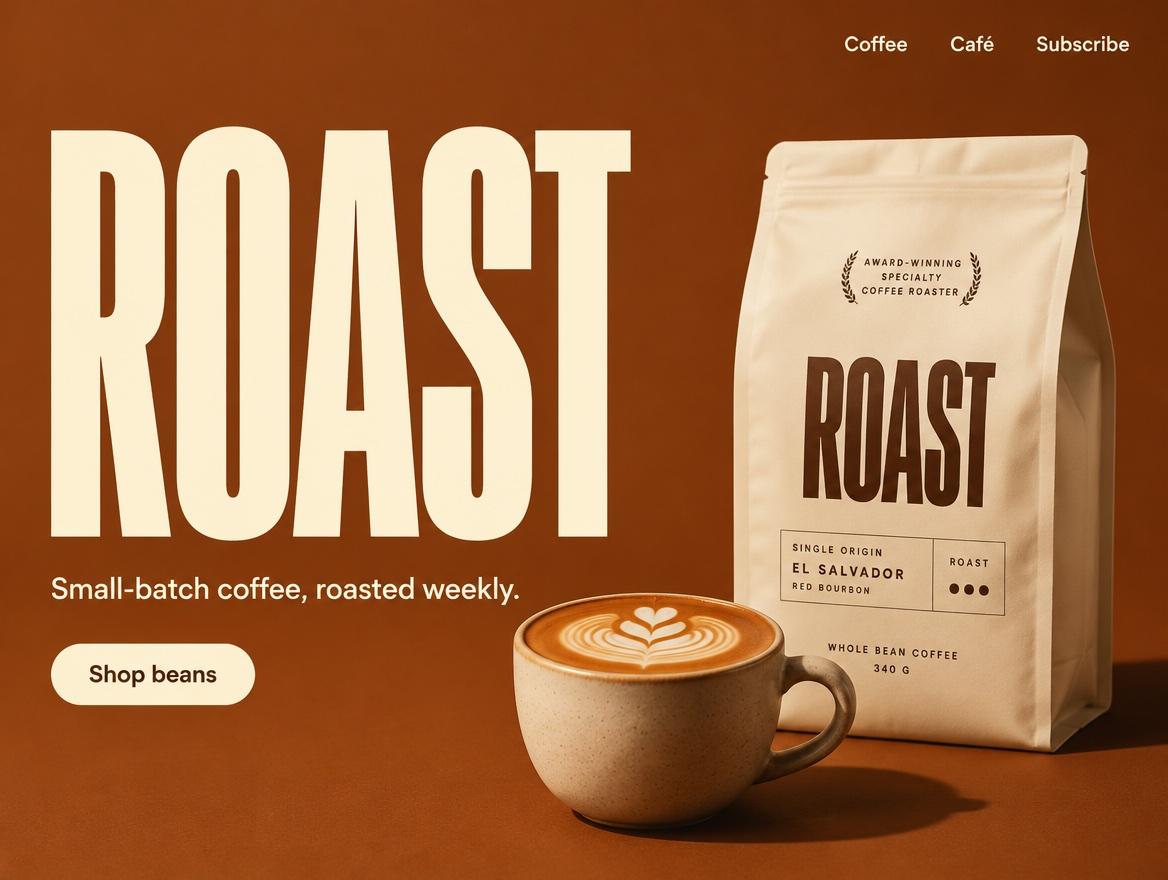
  • A coffee roaster's website
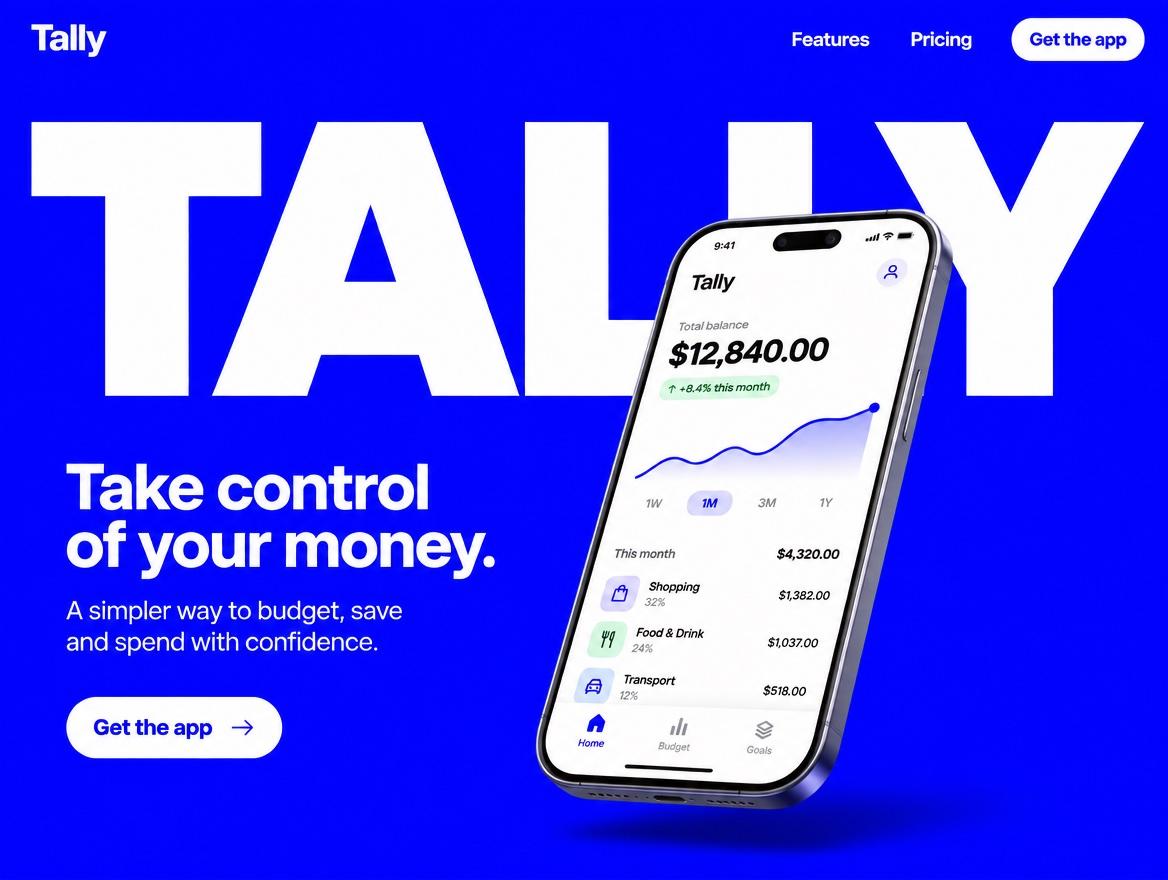
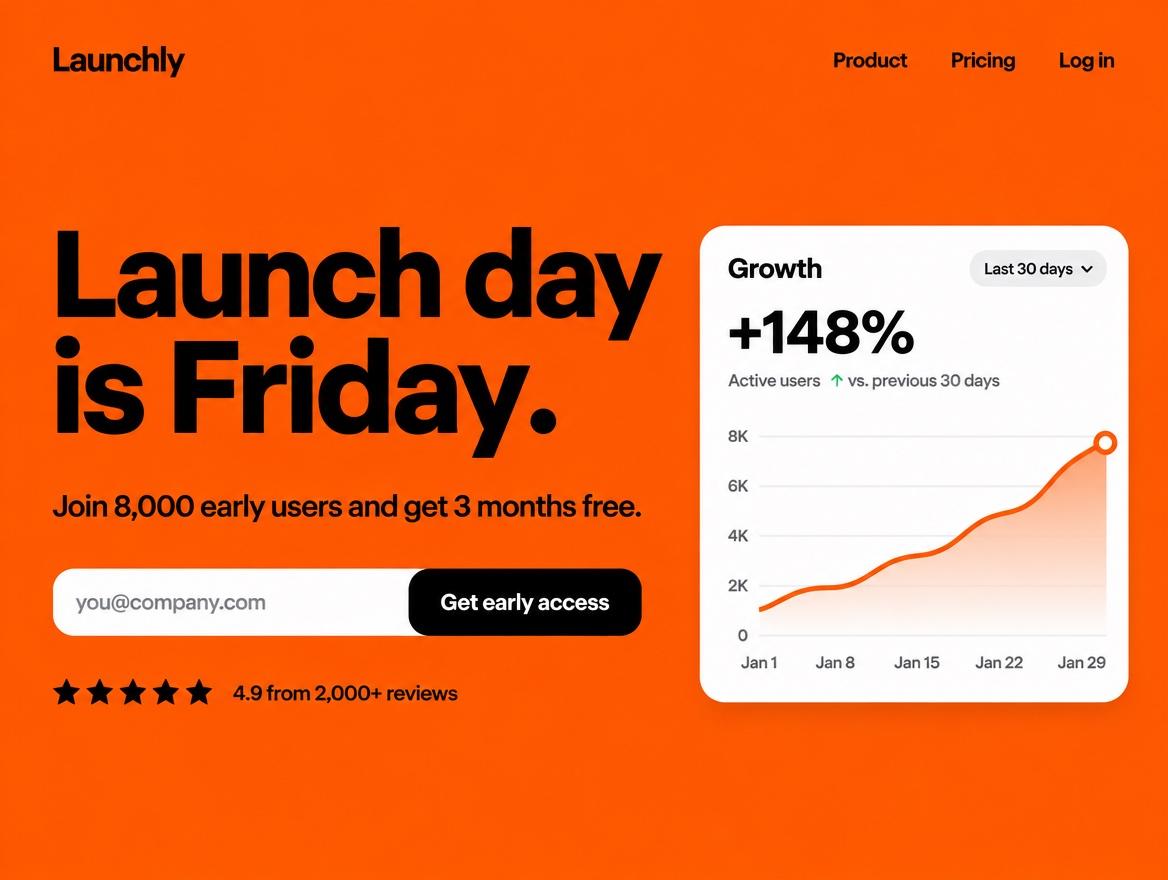
  • A start-up's app website
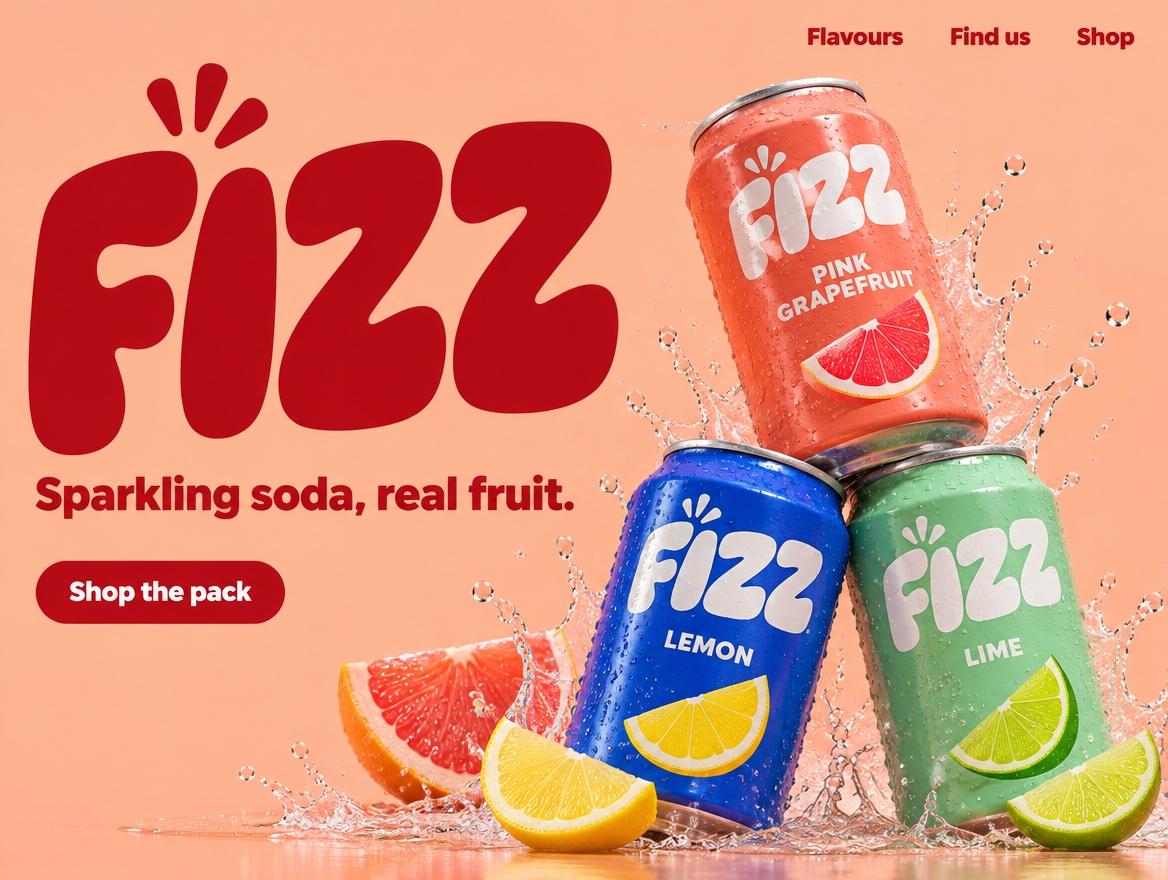
  • A drinks brand's website
  • A property agent's website
  • A property website
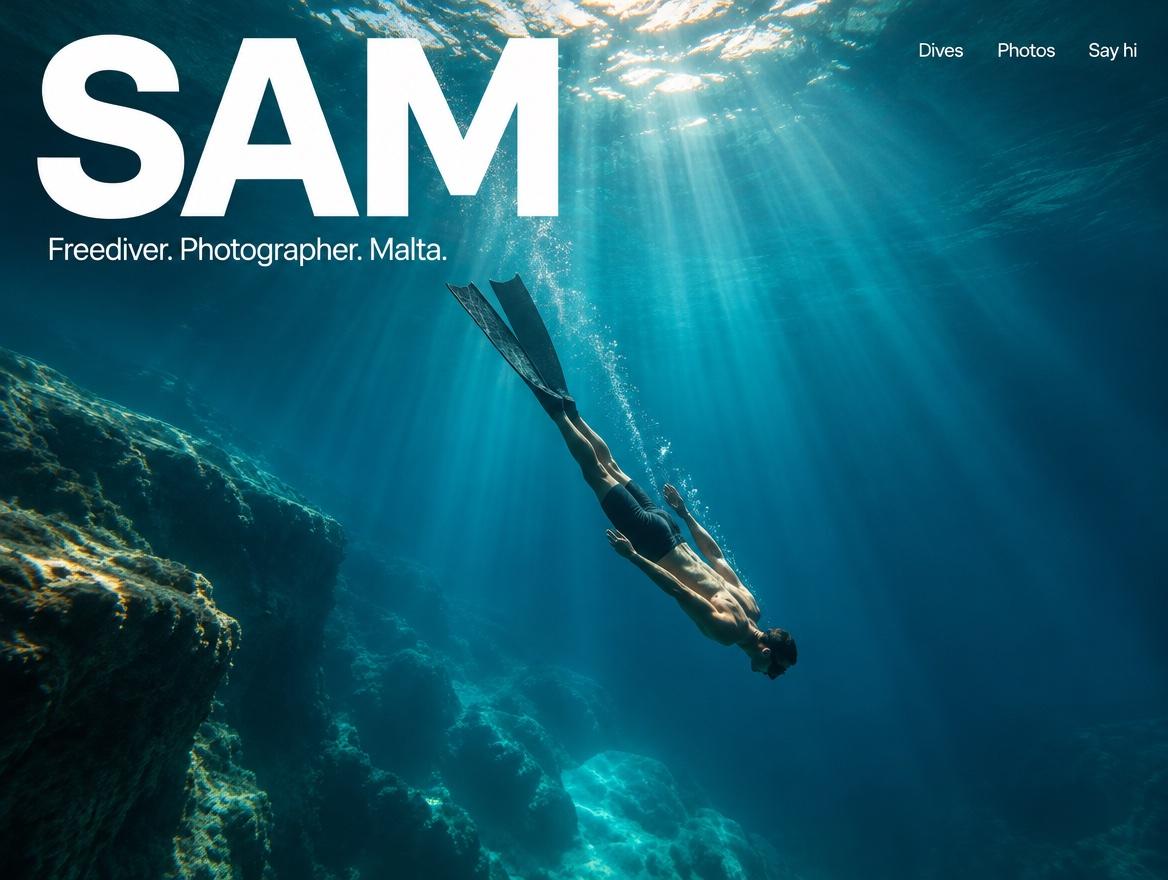
  • A freediver's personal website
  • A wedding website
  • A marketing landing page
  • A hotel website
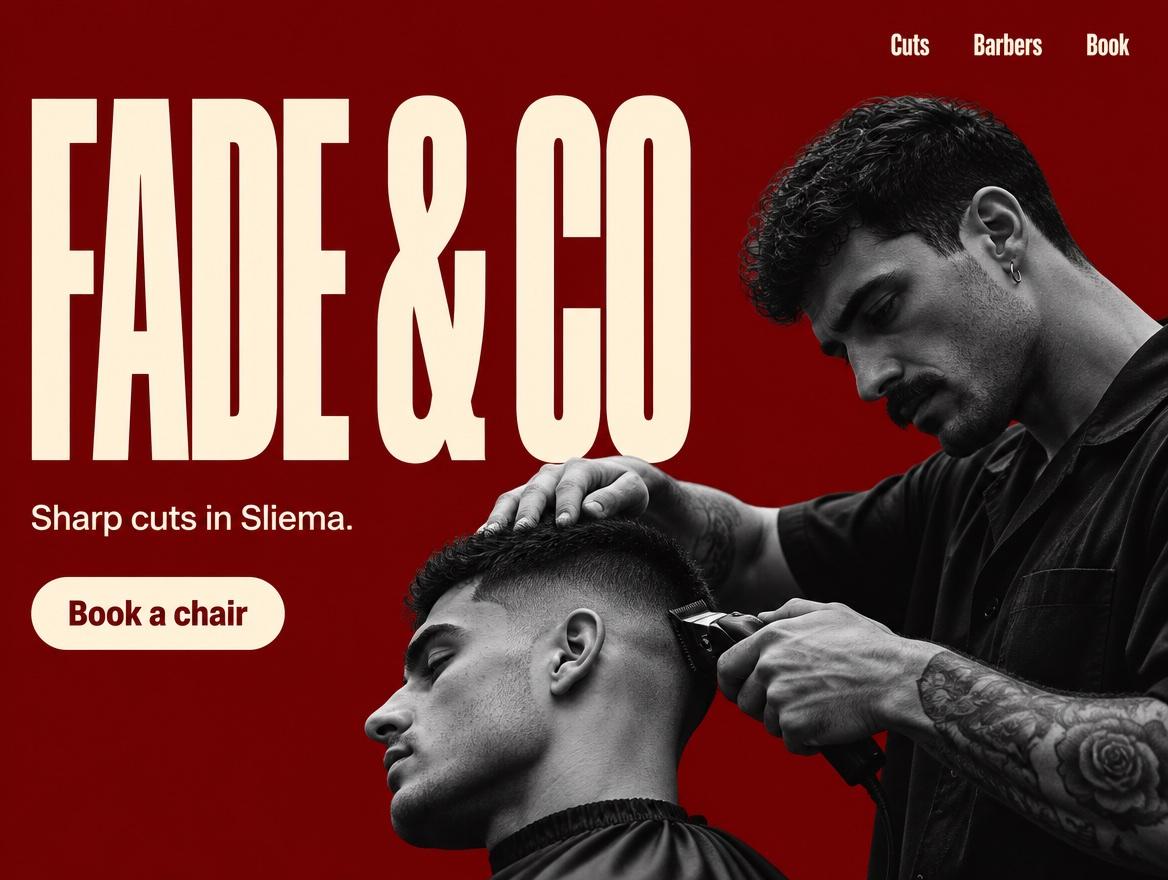
  • A barbershop website
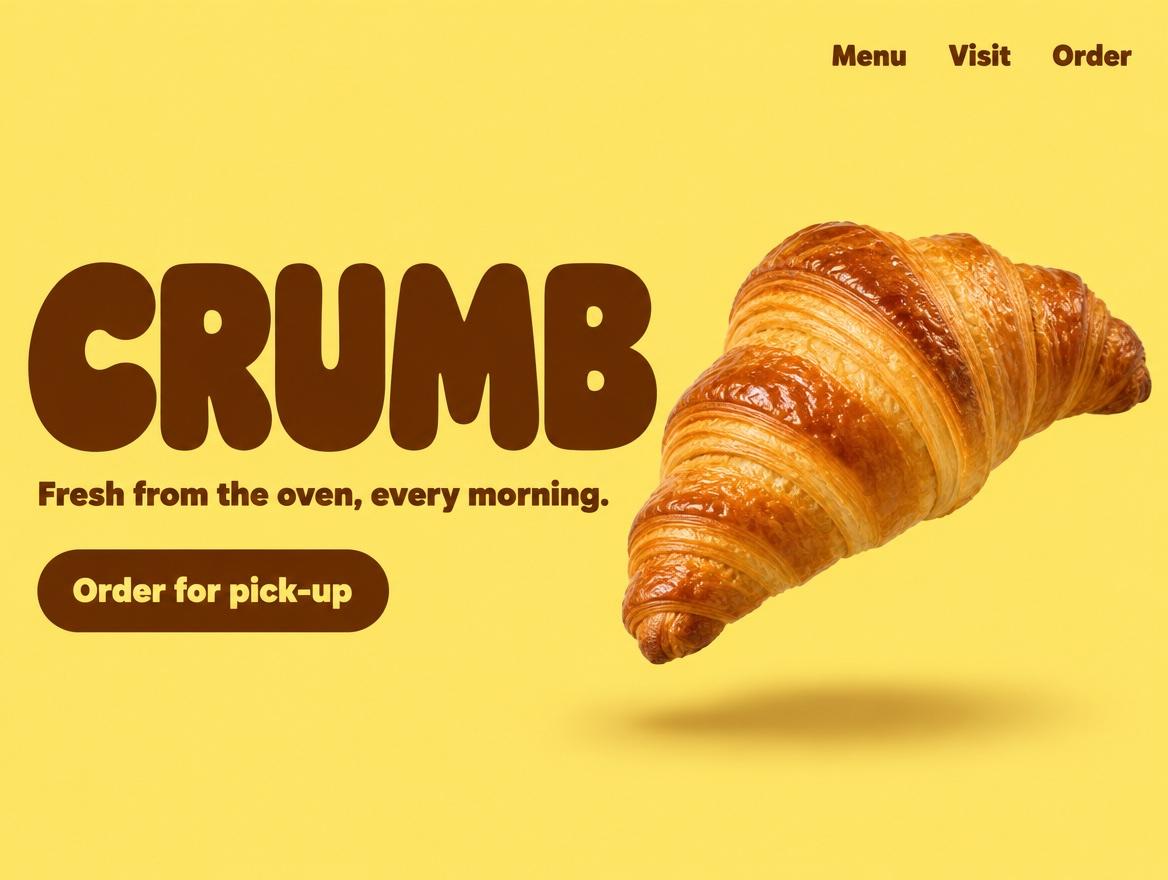
  • A bakery website
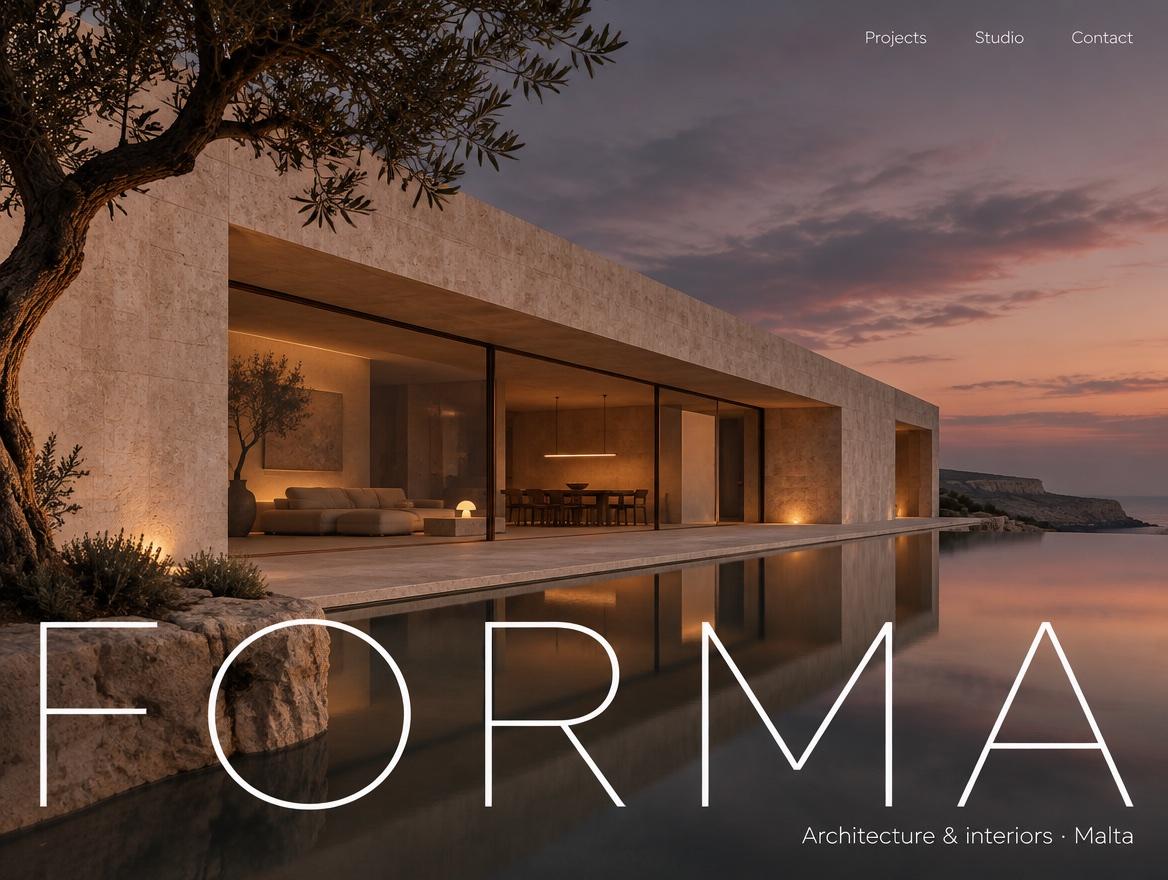
  • An architecture studio's website

Let's build a website, landing page, portfolio, booking page, product page, blog

Tools used

Tools you'll use: Claude Code or Codex, Vercel, Resend, Vite, Lighthouse, React, Node.js

Date
Mon 30 Nov & Mon 7 Dec 20266PM till 9PM (Malta Time)
Duration
6 hours2 sessions of 3 hours
Format
Online liveNo AI Pro subscriptions needed
Price
Was €345, now €295Launch price, limited seats

Training a team?We run private workshops on dates that suit you.

ICE Campus learners work at mita, SiGMA, Betsson Group, MeDirect, Tipico, PwC, Casumo, HILI Company, 9H Digital, Deloitte, APS Bank, Evolution, GO, LeoVegas, FIAU, Lo & Behold

The website you keep putting off, finally live

You know what you want it to say. You're just stuck on the basics. Bring the idea and leave with a real site that works on every phone, shows up on Google and sends enquiries straight to your inbox.

6 hours · Online live · Workshop

One hyper-focused workshop with live teaching, hands-on practice, and Q&A.

4.8(27k+)out of 5 starsTrusted by 27,000+ learners
  • Expert help as you buildPick up the strategies and shortcuts the pros use, with real-time answers while you build alongside a group.
  • A real project you can showLeave with your own website, live on the web and ready to share with anyone.
  • Nothing to installEverything you need opens in your web browser, with the AI assistant already set up for you.
  • Watch the sessions againUse the included recordings to revisit the sessions after the live workshop.
  • Support after the workshopKeep learning with email support from your trainer after the live sessions.
  • The full build kitKeep the templates, prompts and checklists, and get more done at work from the very next day.
  • Certificate of completionShow your new skills with a certificate from ICE Campus.

What you'll learn

Follow the complete build, from planning and prompting to mobile design, accessibility, enquiries, checks and launch.

11 topics · 6 hours

  1. 01How AI builds websites
    • What vibe coding can do
    • HTML, CSS, JS and frontend stacks
    • Why use Node, React and Vite
  2. 02Plan your site and brief the AI
    • Audience, goals and site structure
    • Visual style and content brief
    • Clear instructions and iterative requests
  3. 03Generate your first working site
    • Use the AI coding environment
    • Create pages and navigation
    • Preview, correct and iterate; add a contact form interface
  4. 04Make it mobile-first
    • Flexible responsive layouts
    • Touch-friendly navigation
    • Test phone, tablet and desktop views
  5. 05Create images that load fast
    • Generate suitable assets
    • AVIF, WebP, PNG, JPEG and SVG
    • Resize, convert and improve loading
  6. 06Light, dark and system themes
    • Theme palettes and system preference
    • Three-option theme selector
    • Remember preferences and test
  7. 07Accessible and inclusive design
    • WCAG foundations and semantic structure
    • Contrast, alt text and labels
    • Keyboard access and forms
  8. 08Speed, search and testing
    • Run Lighthouse checks
    • Page titles, metadata and links
    • Ask AI to resolve identified issues
  9. 09Add a contact form that emails you
    • Frontend vs backend
    • Vercel Function and Resend integration
    • Validation, credentials and spam controls
  10. 10Go live: hosting and your domain
    • Domains, DNS and HTTPS
    • AI-assisted Vercel CLI deployment
    • Production variables; test live form
  11. 11Final review and launch
    • Check desktop and mobile
    • Verify function and accessibility
    • Learn how to update and redeploy

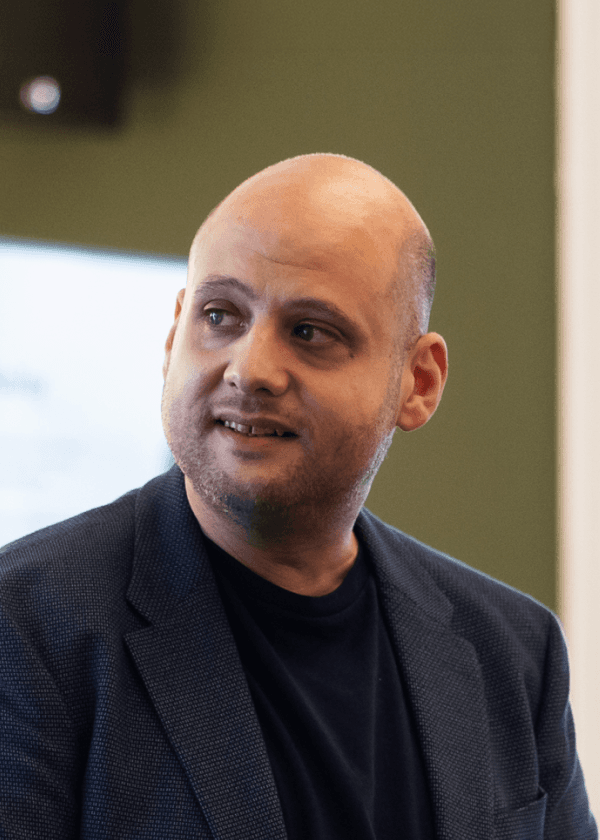
Learn directly from Keith

  • Keith Vassallo

    Keith Vassallo

    A trainer you won't forget

    Keith is a certified trainer who has spent years helping complete beginners write their first code and put AI to work. He explains every step in plain English, answers every question as it comes up and keeps the room laughing, so you leave with something that works and a class you'll actually remember.

Who it's for

  • Business owners

    Turn what your business needs into a real website that can take enquiries.

  • Freelancers and creatives

    Create an online home for your work, services or next client idea.

  • Marketers who need landing pages

    Build landing pages you can publish, improve and update yourself.

  • Founders testing an idea

    Put an early idea online in a form you can share, improve and keep.

  • People building a personal brand

    Give your work, ideas and profile a website of their own.

  • Event and community organisers

    Publish the key information and give people a simple way to get in touch.

  • Product and project managers

    Turn a brief into something visible your team can review and improve.

  • Teams building internal tools

    Bring a simple internal tool idea and learn how to shape and build it with AI.

What you need: a laptop or desktop with a web browser (not a tablet) · nothing to install · one free account, which we set up together

What learners say

Real words from the teams and learners ICE Campus has trained.
  • "A brilliant AI Masterclass for the Rhino team. Over 150 participants joined virtually, and Keith kept everyone engaged for the full two hours - definitely no easy task!"

    MarieChief People Officer, Rhino Entertainment Group

  • "I'm already applying a lot of the content I have learnt at work! Fantastic experience."

    Matthew

  • "Highly recommended! I really enjoyed the lessons especially because they're hands-on and fun!"

    Charlene

  • "The course has given me the fundamentals to build a website confidently. Excellent learning!"

    Imer

  • "This was the first time I attended a course on AI and it was delivered very well and any challenges I met were tackled."

    Maria S.

  • "Great up to date content and I learnt new tools I'll use so thank you!"

    Daphne G.

  • "Although I am coming from a corporate and financial background, the course was very well explained and delivered which made it so much easier for me to understand."

    Claire G.

  • "AI training empowered our teams to confidently embrace AI's potential and drive real strategic results."

    ChrisChief Technology Officer, MeDirect

  • "The quality of the tutors was exceptional. Every expert brought something different, and together they made the whole experience feel really special."

    GaylMarketing Manager, Prohealth

  • "Probably the best course I've ever attended! Fantastic, engaging, excellent."

    Andre

  • "I hadn't been studying for a while so I was a bit scared to start studying again however, after this course I feel confident and can't wait to keep on learning."

    Tanya

  • "The course is very practical and hands-on - an effective and rare learning experience"

    Chris

  • "Practical, professional, detailed and hands-on."

    Charlemagne

  • "A spectacular use of my time. An awesome investment."

    Anthony

  • "Working with ICE gave us access to high-quality, customised training in AI, with a strong practical component we could readily apply to our work."

    NatalieHead of HR, San Anton School

  • "I was a complete beginner with a very basic knowledge and this course worked wonders! I am now very well prepared for the industry."

    James

  • "A true and professional way of teaching in such a short time"

    Josef

  • "Learning made fun and easy with interactive workshops and case-studies."

    Michele A.

  • "Very insightful and impeccably delivered!"

    Roderick A.

  • "A truly great training ... Will thoroughly change the way I run things in the office."

    Chantal G.

  • "I got to know about more tools that I can use for my Financial Analysis and Reports"

    Penelope C.

  • "Very helpful to understand more about Claude AI to create prompts and help with daily use"

    Luana B.

Pricing

You don't need any paid AI subscriptions during the workshop: everything is set up for you. If you have Claude or ChatGPT, great. To keep building afterwards, we recommend a paid Claude Code or Codex plan.

Launch price, limited seats

Individual seat

For you, on the next dates.

Was €345, now €295per person

Enrol now
  • Mon 30 Nov & Mon 7 Dec 2026 · 6PM till 9PM

Everything included

  • Six hours of live, hands-on teaching
  • Your own website, live on the web
  • Session recordings to watch again
  • Email support after the workshop
  • The full build kit
  • Certificate of completion

Team of 3+

For colleagues learning together.

€295per seat

Enrol now

Same dates, same workshop

Everything in a seat, plus

  • Preferred pricing when you grow together
  • Choose 3 or more seats at checkout

Training a whole team? Book a private workshop on your own dates

Can't make these dates?

Get an email when the next workshops are announced.

FAQs

Everything you need to know about the workshop. Can't find your answer? Speak to an advisor.
Speak to an expert on WhatsApp
  • No. You describe what you want in natural language and guide an AI coding agent. The workshop teaches you how to brief it, check its work and fix problems. No coding experience is required.

  • Vibe coding means building software by describing what you want in plain English and letting an AI coding agent, such as Claude Code or Codex, write the code.

    In this workshop you use it to build a real website, and you learn to brief the AI well, check what it produces and fix what it gets wrong.

  • A website builder gives you a template to fill in. In this workshop you direct an AI coding agent to build a React website of your own, add a working serverless contact form, check its quality with Lighthouse and publish it with Vercel, so you learn how to update and redeploy it yourself.

  • A publicly accessible, responsive website with a working serverless contact form, tested quality checks and a deployment workflow, plus the knowledge to update and redeploy it.

  • Not for the workshop. We provide your AI assistant, a ready-made workspace in your browser and the email service, and we guide you through creating one free Vercel account to publish your site.

    To keep building after the workshop, we strongly recommend a paid Claude Code or Codex plan.

  • It's 6 hours of live online teaching, run either as two 3-hour sessions or as one day (3 hours, a break and 3 hours). The dates on this page show which. You need a laptop or desktop with a web browser (not a tablet). There's nothing to install: your AI assistant and workspace open in the browser, and we set up one free Vercel account together.

  • Yes. You receive an ICE Campus certificate of completion, which you can add to your CV and share on LinkedIn.

  • Yes. We run private sessions for teams on dates that suit you. Send us an enquiry and an advisor will get back to you with a quote.

Other workshops you might like

View all
  • Live workshop· 6 hoursDec3

    AI Agents & Workflow Automation

    Go from asking AI for answers to handing it real work. In one hands-on day you build two AI agents in n8n that read customer enquiries, look up live order and policy details, and draft replies for you to approve, without writing code.

    Online live · 6 hoursNew
Request more infoEnrol now